Choosing a tool
Using Kahoot at a wedding: what works, what to watch, and alternatives
Kahoot is a natural first thought for a wedding quiz: plenty of guests have played it, and it's built for exactly the live, everyone-at-once format a reception needs. It can work well. Here's how to run one, what to check first, and when a wedding-specific alternative fits better. (We make one of those alternatives, so weigh that.)
By The Knot Party team · Published · 4 min read
Why couples think of Kahoot
Kahoot made live quizzes familiar. Guests who played it at school or work know the format straight away: a question, a countdown, music, and a leaderboard after each round. Kahoot has also published wedding quiz templates, so you don't have to start from nothing. For a couple who want one quiz at the reception and have a good screen, it's a reasonable choice.
How to run a Kahoot wedding quiz well
- Write eight to twelve questions about the two of you. Our guide to writing wedding trivia covers difficulty and good wrong answers.
- Check the player limit on your plan against your guest list, and whether the plan renews automatically.
- Make sure the screen is big and bright enough to read from the back of the room, because in Kahoot's classic format the question is on the shared screen.
- Put the join details (the website and the game PIN, or the code) on the screen and say them out loud. Give guests a minute to join.
- Ask the MC to read each question aloud as well, for guests who can't see the screen.
- Test it at the venue with the laptop and projector you'll use on the day.
Things to check first
The screen
In Kahoot's classic format, players look up at the shared screen to read the question and tap a coloured shape on their device. That works in a classroom where everyone faces one screen. At a wedding with round tables, some guests sit with their backs to the screen, and a projector in a bright marquee is hard to read. Check Kahoot's current options, as it has added more ways to play over the years, and see the venue in the evening light if you can.
Player limits and plans
Kahoot's free plan limits the number of players per game, and larger games need a paid plan. Check the current limits against your guest count, and if you buy a monthly plan for the wedding, put a reminder in your calendar to cancel it afterwards.
Joining
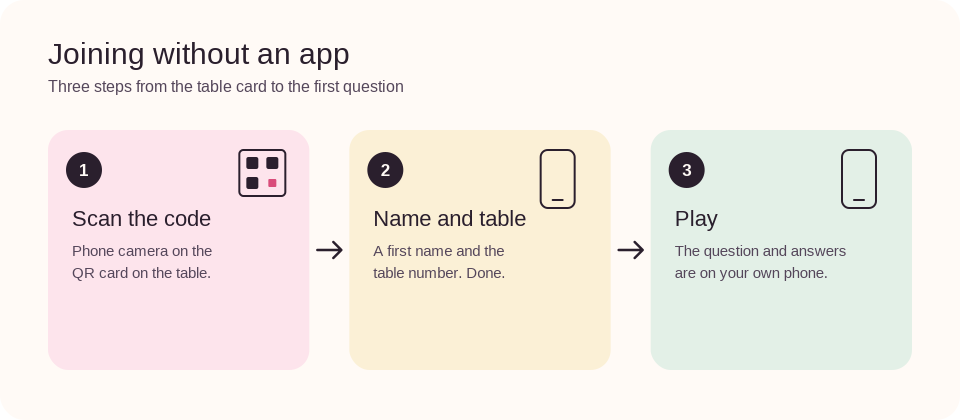
Joining with a game PIN is quick for people who've done it before, and fiddly for those who haven't. At a wedding with a wide age range, have a few friends ready to help the older tables join.
It's a quiz tool
Kahoot is excellent at quizzes and polls. Many of the games couples want at a wedding aren't quizzes: the shoe game, where the couple answer with shoes and the room votes; bingo, where every guest needs a different card; an advice wall that the couple keep. Those need a tool designed for them, or paper.
Kahoot alternatives for weddings
| Alternative | What it's good for | Worth knowing |
|---|---|---|
| Knot Party (ours) | Several wedding games in one evening: couple trivia, the shoe game, bingo, table vs table, an advice wall | Questions on every guest's phone; works without a screen; free until 28 Feb 2027, then a one-time price |
| AhaSlides | A slideshow with polls and quizzes built in | Presentation-style, run from a laptop |
| Renmory | Wedding trivia with custom couple avatars and screen animations | Built for weddings; check its site for details |
| Printable quiz sheets | No signal, no screen, older crowds | Free; marking takes time at a large wedding |
For a fuller comparison, read wedding game apps compared.
Kahoot alternatives for large groups
With 150 or more guests, two things matter most: everyone being able to read the question, and everyone getting in quickly. Tools that show the question on each guest's own phone solve the first; QR codes on every table card solve the second. See our games for large groups.
You can use more than one
Nothing stops you using Kahoot for a quiz and paper for bingo, or a wedding app for the shoe game and a printed advice card on each table. Choose per game, not per wedding. Our wedding games guide goes through every game and what it needs.
Wedding games that aren't quizzes
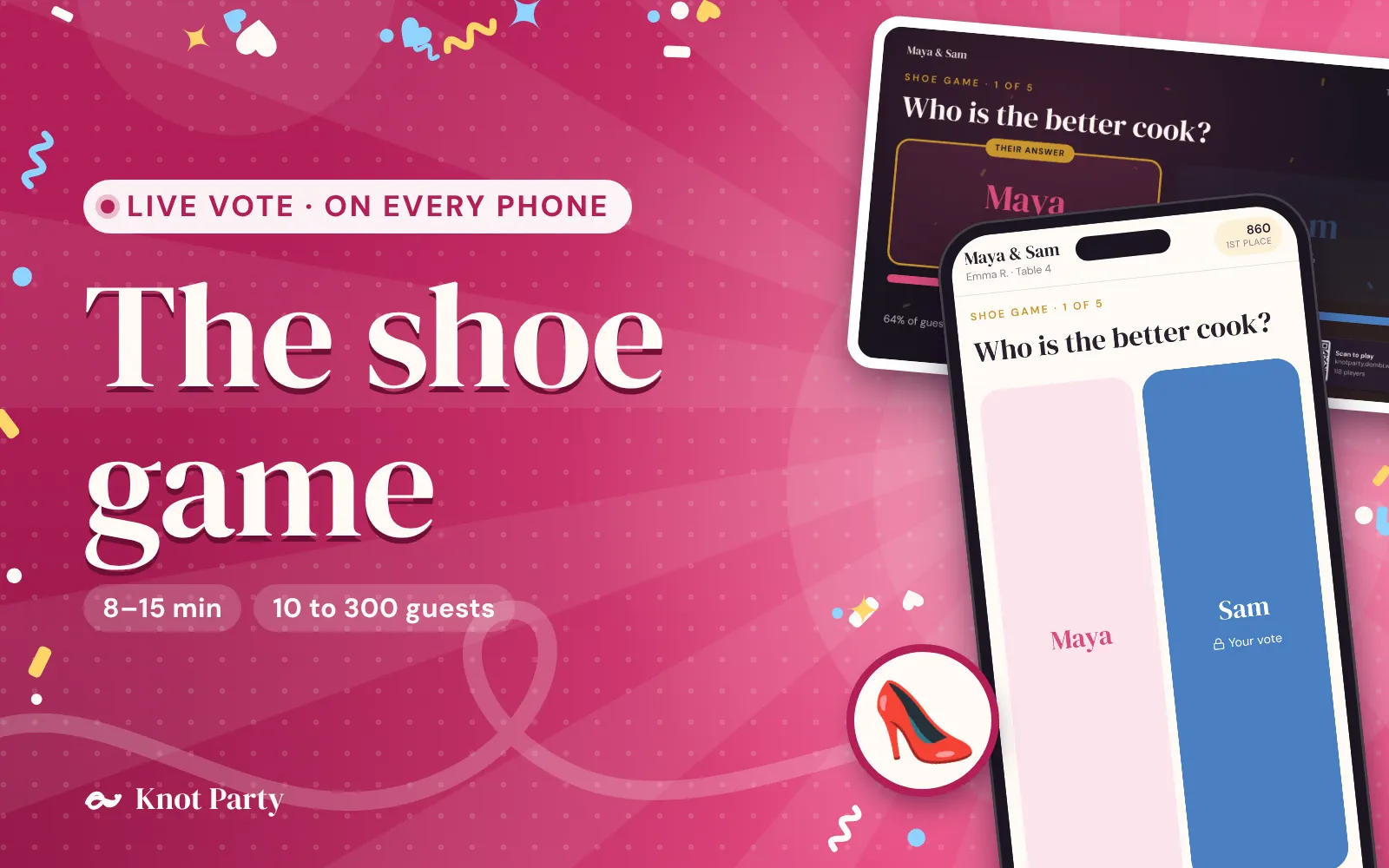
The shoe game
The couple holds up a shoe; every guest votes on their phone first.
- Screen optional
- 8–15 min
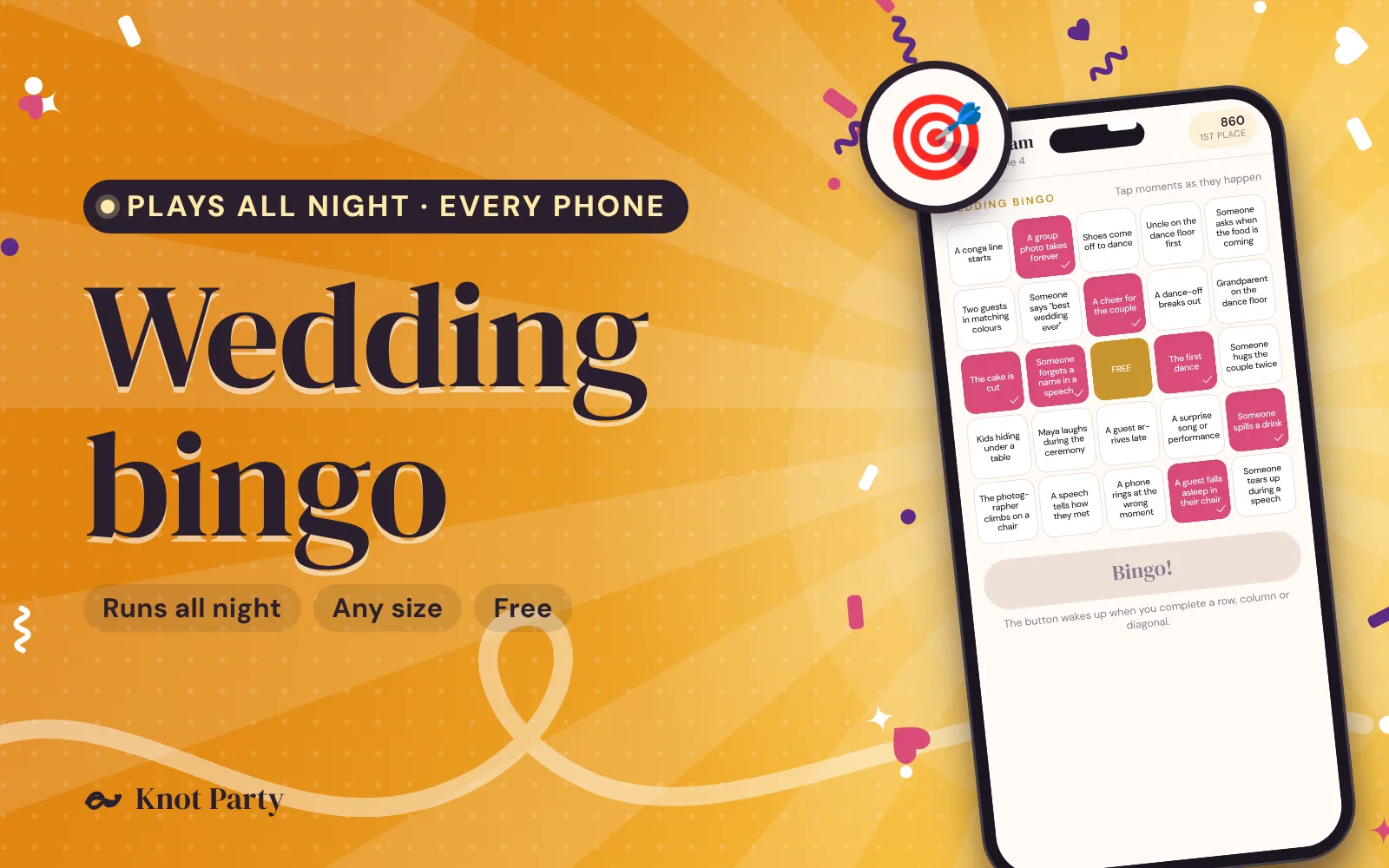
Wedding bingo
Every guest gets their own card of wedding moments to mark through the night.
- Free
- No screen needed
- Runs all night
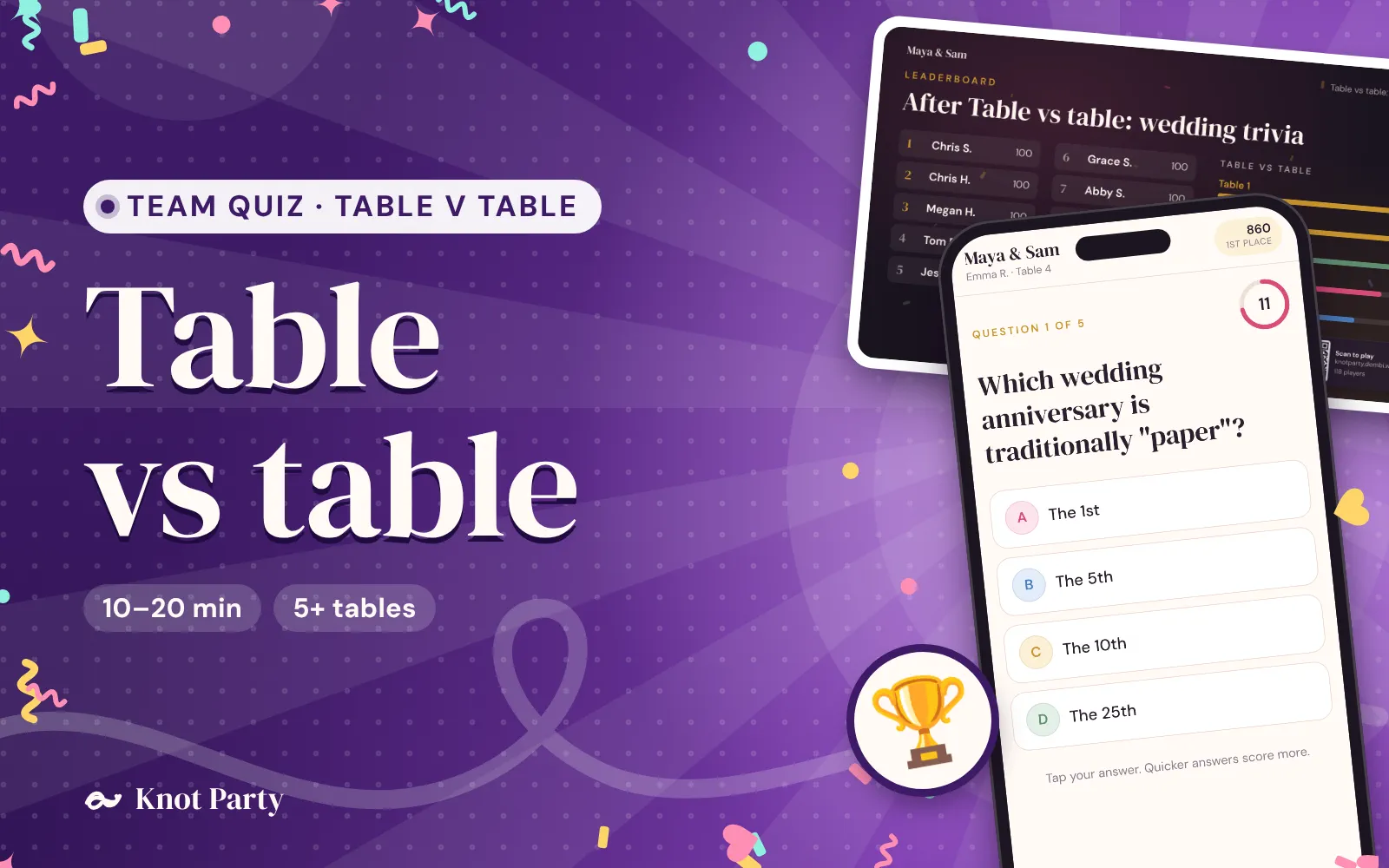
Table vs table
Every table plays as a team; the screen shows which table is winning.
- Screen optional
- 10–20 min
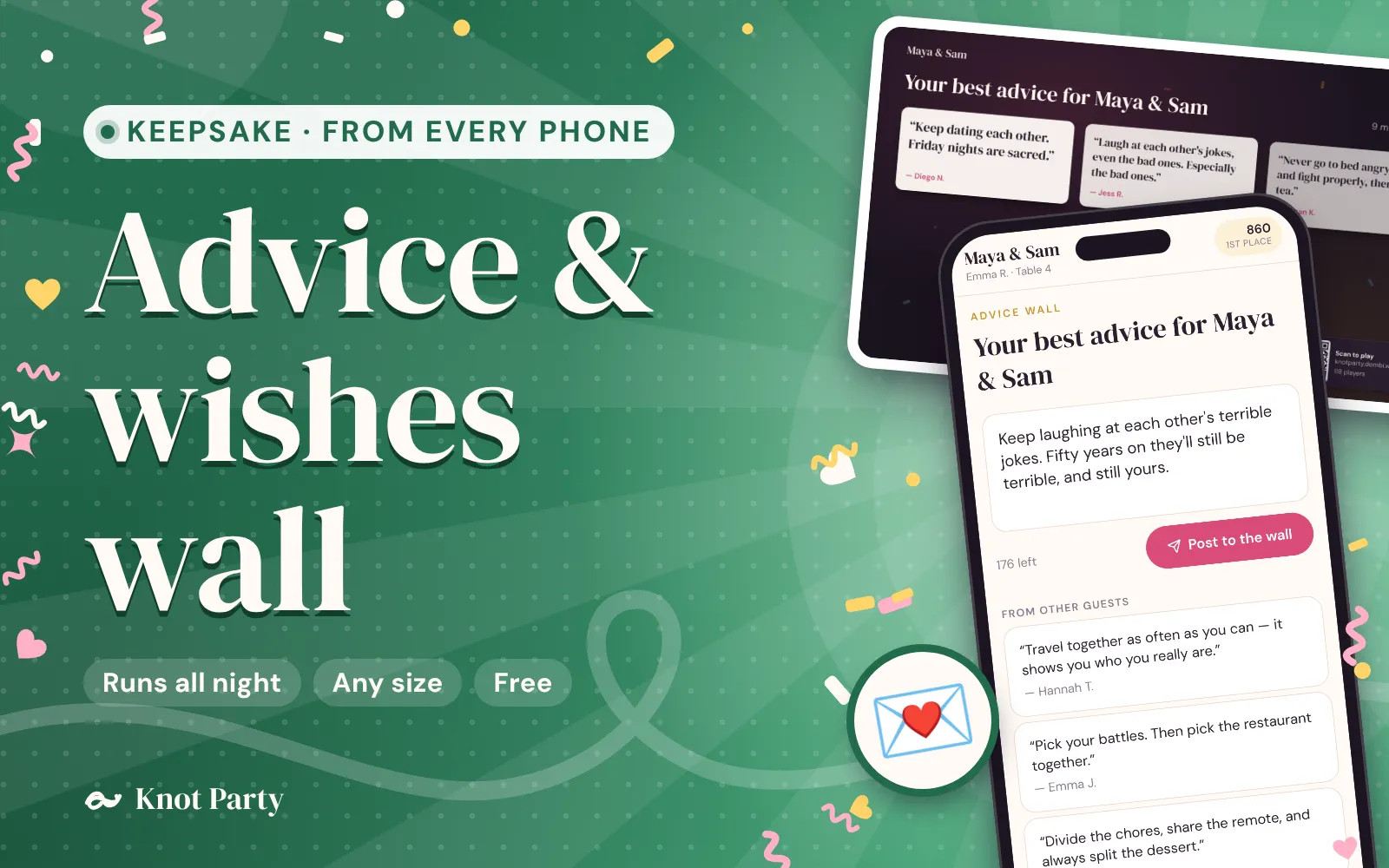
Advice and wishes wall
Guests send advice and wishes from their phones; the couple keeps them all.
- Free
- Screen optional
- Runs all night
Part of our guide to wedding games for guests.